

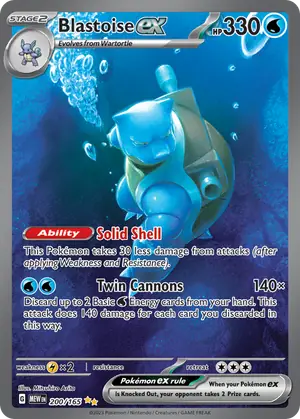
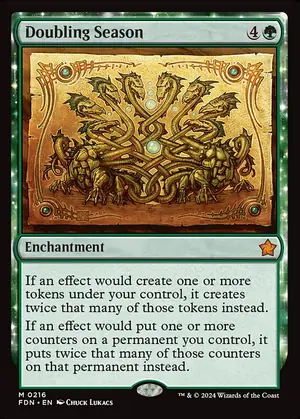
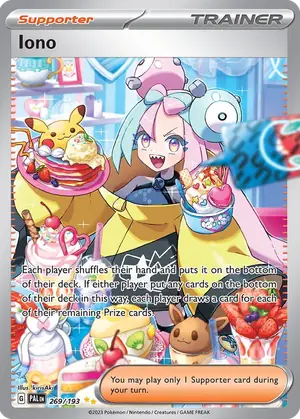
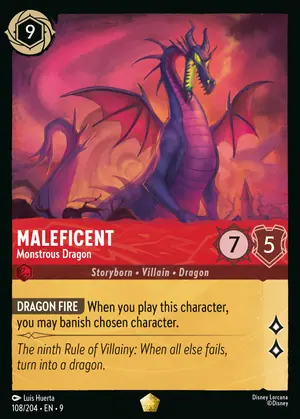
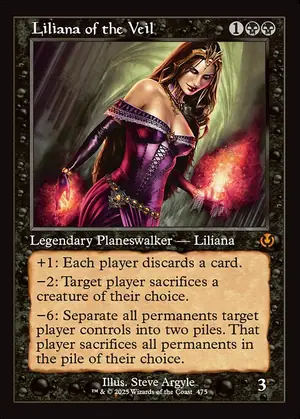
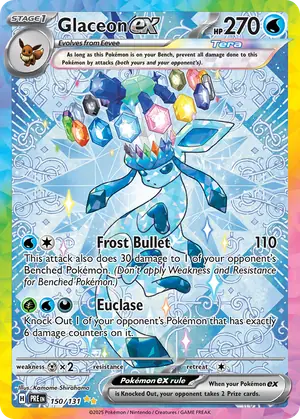
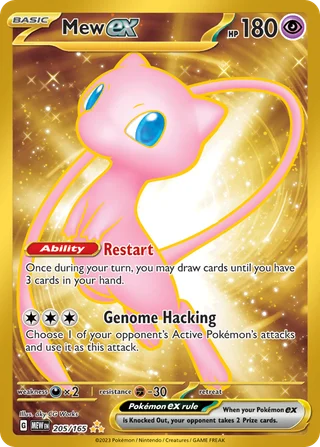
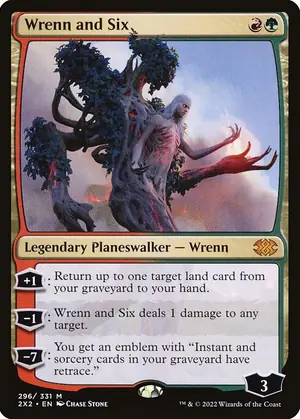
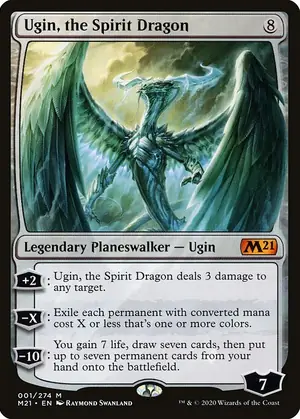
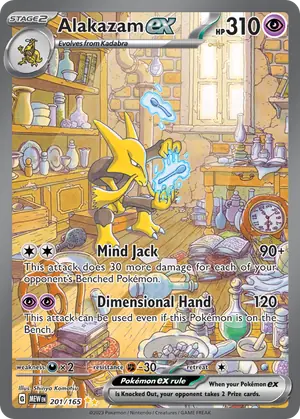
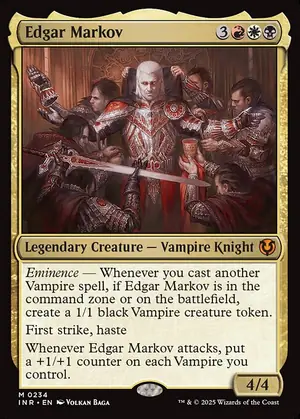
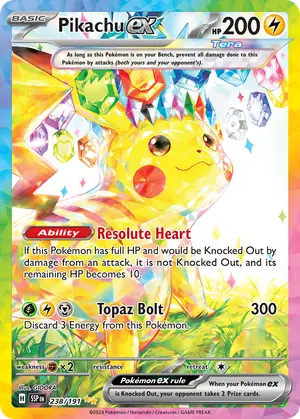
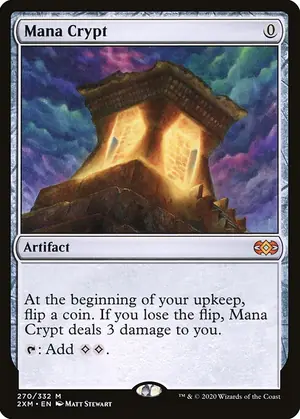
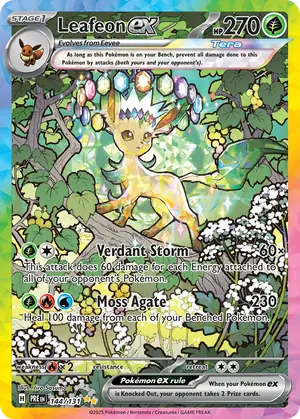
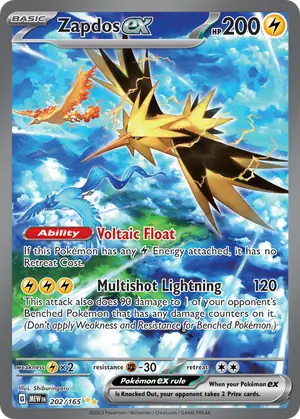
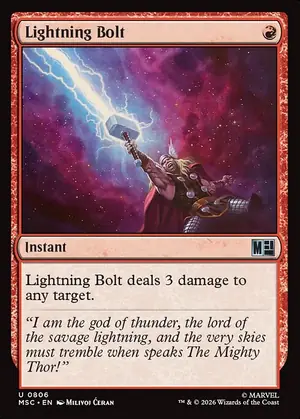
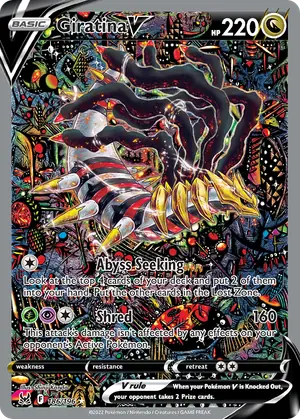
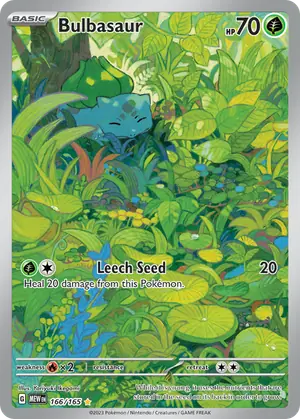
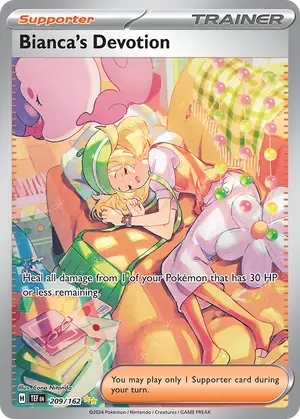
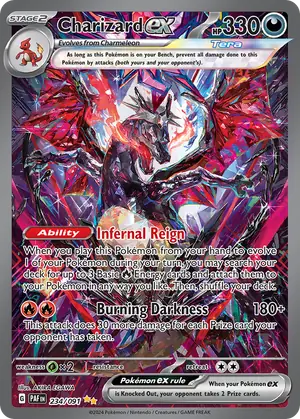

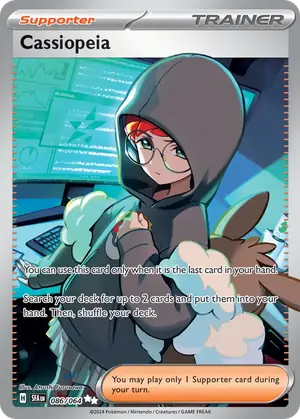
Your card store, running.
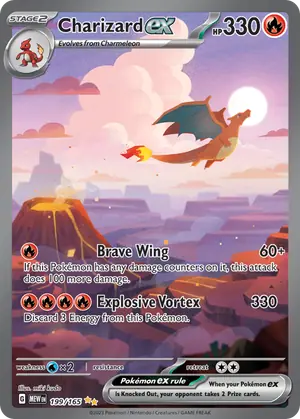
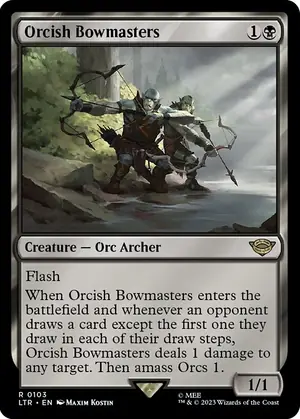
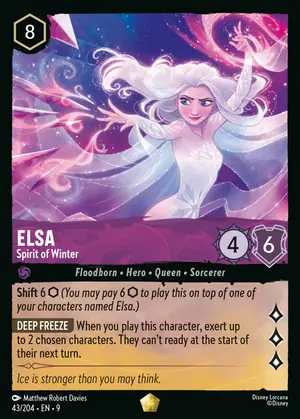
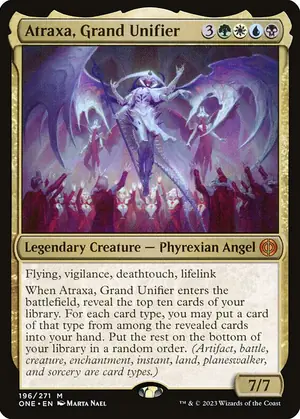
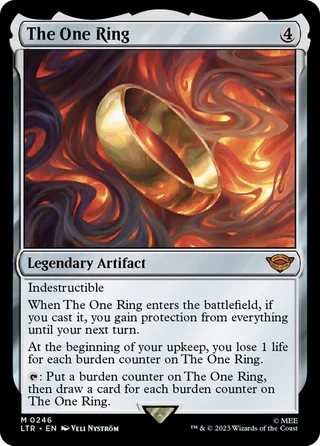
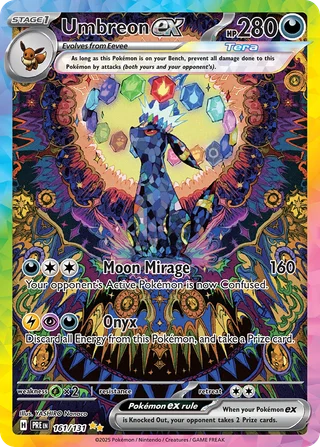
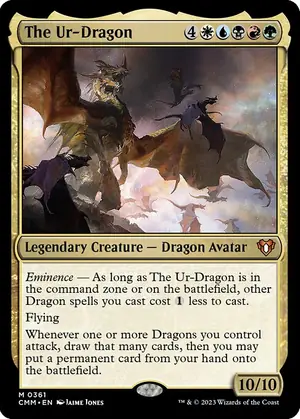
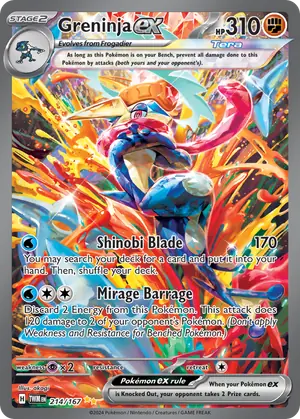
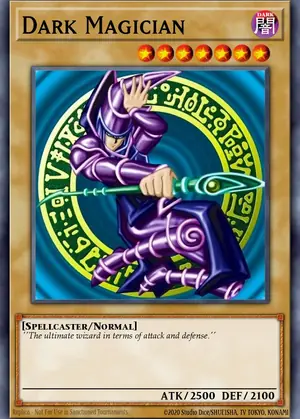
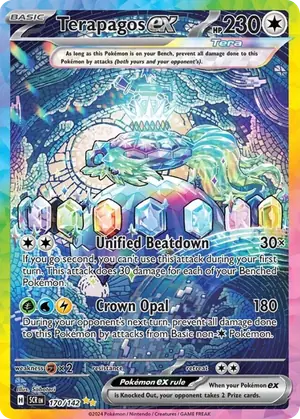
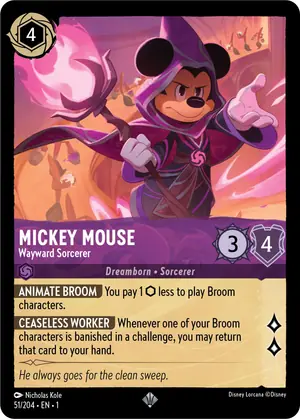
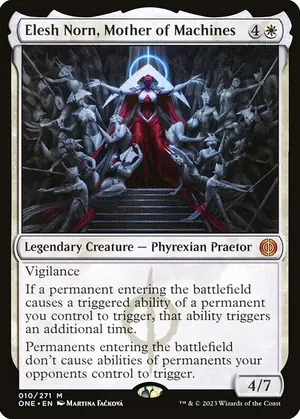
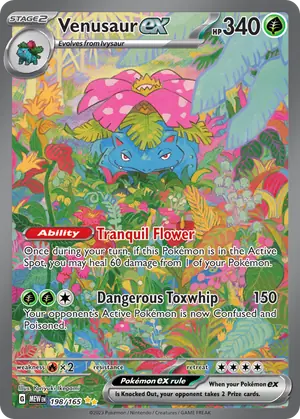
Add singles and sealed to Shopify in a tap, photo and condition included. Prices follow the TCGplayer market every day, so you never reprice by hand.
Free for your first 100 cards. Billed through Shopify.
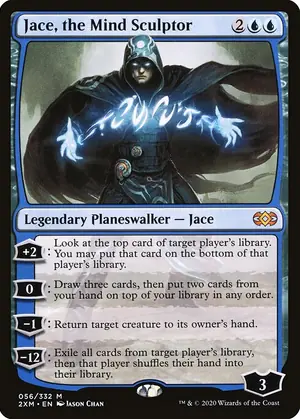
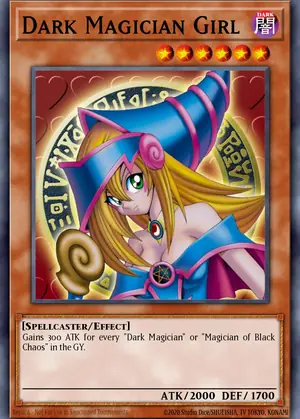
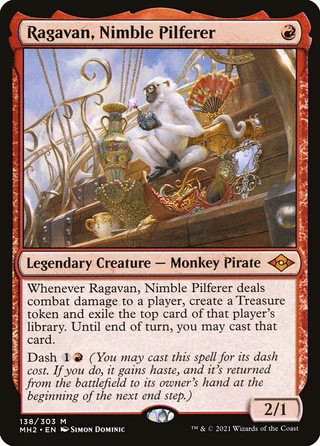
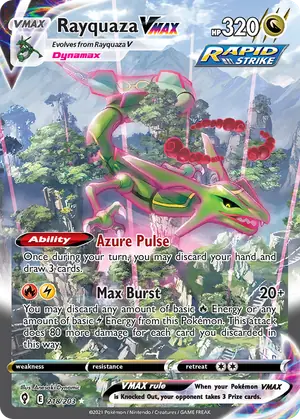
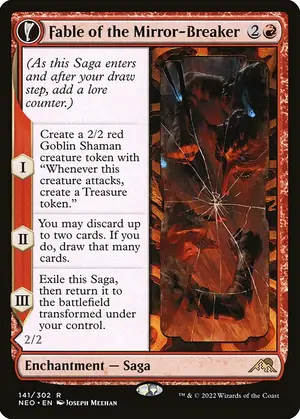
- 01 · Find itEvery printing
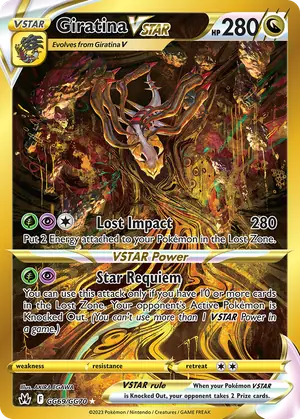
- 02 · Tap +A Shopify product
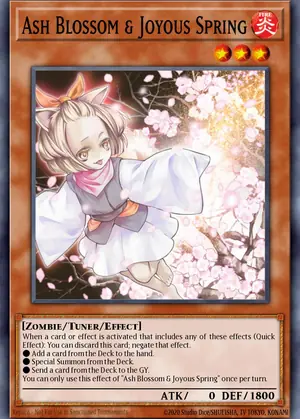
- 03 · For saleIn your store
Cards in a box don't sell.
With Synq, new stock goes from the box to your store the day it comes in.

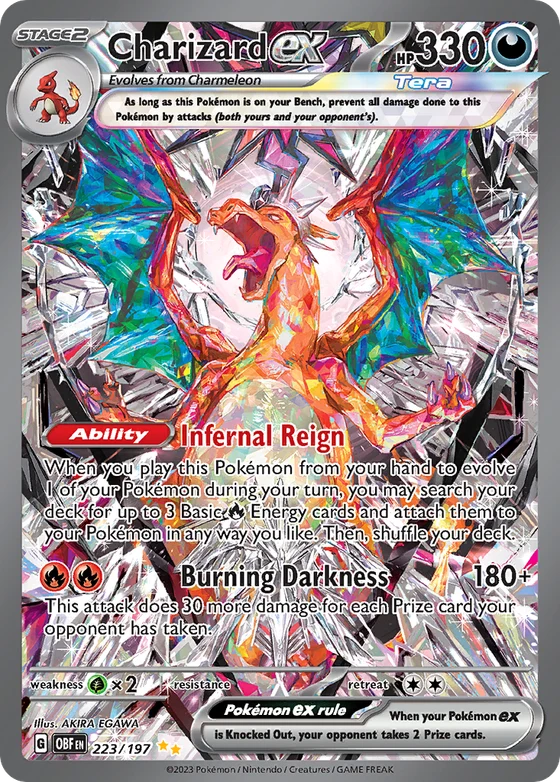
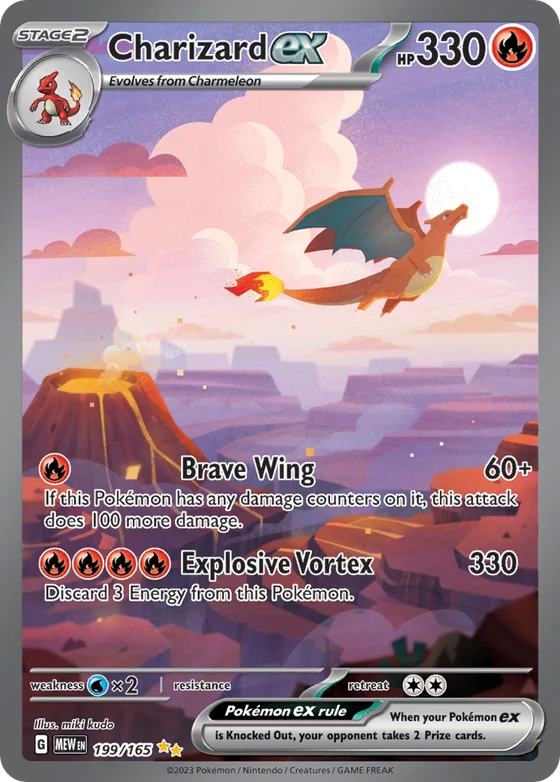
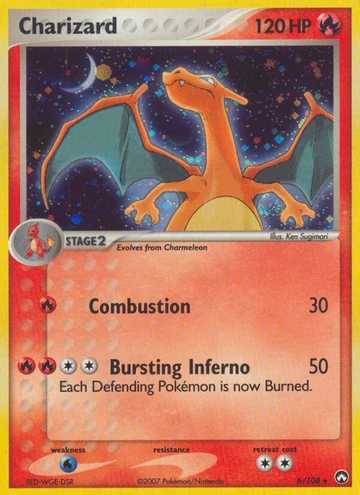
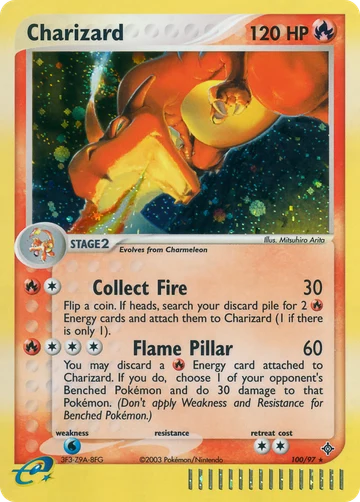
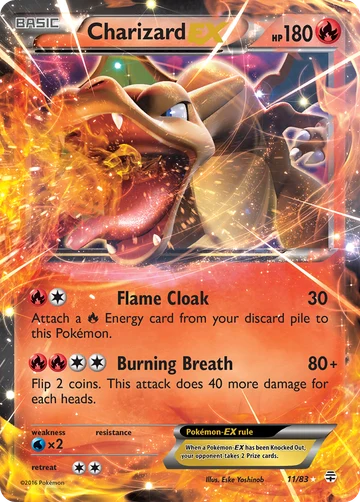
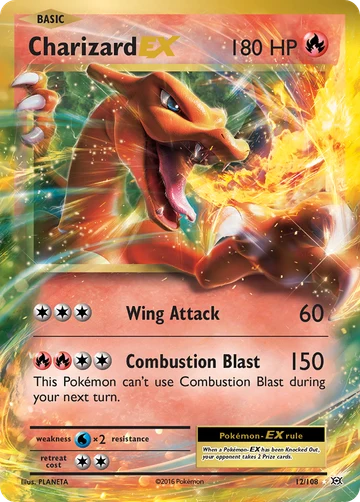
Prices move. Yours keep up.
Write a rule once: the market price plus your margin, a minimum based on your cost, and how to round. Synq runs it on your schedule and updates the prices in Shopify.
And the rest of the shop, in the same place.
Every card side by side, your spreadsheets brought in, and every card ready for the counter. All from your Shopify admin. See how it works
Inventory
Every card, side by side. Market price, your price, cost and margin. Change many cards at once, or set a card's price by hand so no rule touches it.
Import
Bring your spreadsheet. Each row is matched to the catalog, and you pick the printing when a name fits several.
Point of Sale
Sell at the counter. Each card and condition gets its own barcode for Shopify POS.
Card shops running on Synq.
New stock for sale the day it comes in, prices that keep up on their own, and a counter in step with your online store. This is how card shops tell us it feels.
Live figures from Synq across real card shops, October 2026
“Your app has been amazing. We are loving it and it has made our lives so much better at the store. … we can scan them and get the current market price with our markup and never have to physically retag our cards again.”
 Green Door CollectiblesFrom an email to the Synq team
“It has really made things a lot easier to manage and being able to have everything updated to the market price everyday puts us at a great advantage over our competitors.”
 Andrew, Collection House CafeChicago · from an email to the Synq team
“This app has made our jobs a lot easier. … what i love is that they are always updating it and making it better all the time.”
 Mint Cards & CollectiblesShopify App Store review · 6 months using Synq
“The program has been great and has made our system much smoother. Customers have enjoyed it as well.”
 Jason, Do Big Things CollectiblesNew Castle, DE · from an email to the Synq team
Pick the size of your shop.
Plans go by how many cards you sell. Every paid plan starts with a 7-day free trial, and the Free plan stays free.
How many cards do you sell?
1,000cards
Starter fits a shop your size.
Scale
Up to 50,000 cards
$149/mo0.3 cents per card a month
or $1,192/year, save 33%
Start free trialPro
Up to 15,000 cards
$79/mo0.5 cents per card a month
or $632/year, save 33%
Start free trial- Fits your shop
Starter
Up to 2,000 cards
$29/mo1.4 cents per card a month
or $232/year, save 33%
Start free trial
Every plan does everything. You only choose how many cards.
- TCGplayer market prices, per condition
- Price rules on your schedule
- Every game, singles and sealed
- Bulk edits in Inventory
- Spreadsheet and TCGplayer import
- Barcodes for Shopify POS
Under 100 cards? Synq is free, for good.Same features, up to 100 cards.
Install for free- 7 days free on every paid plan
- Cancel anytime from your Shopify admin
- Billed in USD on your Shopify invoice
“This app has made our jobs a lot easier.”
Mint Cards & CollectiblesShopify App Store review · 6 months using SynqWhat shops ask before they install.
Plain answers about prices, conditions, your existing cards and the counter.
No. Synq is an app inside your Shopify admin. Your store, theme, checkout and payments stay in Shopify. Synq adds your cards, keeps their prices in step and gets them ready for the counter.
Get started
Guides to get your shop running fast.
Short, focused walkthroughs for the moves you'll make in your first week with Synq.
- Getting started
Install Synq
Install from the Shopify App Store, pick your games and set your first price rule.
- Adding stock
Add cards and sealed
Search, tap, and the card is in your store with its photo and condition.
- Prices
Build a price rule
Follow the market per game, set, printing and condition, with a minimum.
- Inventory
Edit many products at once
Change stock, cost, conditions and exceptions for many products at once.
- Prices
How market prices work
Where prices come from, per condition, and how they convert to your currency.
- Adding stock
Conditions and printings
Each printing is a product, each condition a variant with its own price and stock.
Stop opening products one by one.
Install Synq from the Shopify App Store and let the operational work run itself.